Quick start from GraphEdit
- run GraphEdit → Graph → Insert Filters → DirectShow Filters,
- locate the "Datastead Multipurpose Encoder" filter, double-click on it to insert it,
- insert the video source filter (e.g. a Webcam) and/or the audio source filter (e.g. a microphone),
- connect the video output pin (if any) to the Multipurpose video input pin,
- connect the audio output pin (if any) to the Multipurpose audio input pin,
- right-click on the "Datastead Multipurpose Encoder" filter, and enter the command line, eventually preceded by reserved Multipurpose keywords.
Examples of a very minimalistic command line that can be tested "out of the box":
- with console, for debugging purpose:
SHOWCONSOLE ffmpegLGPL.exe -i %PIPE% myclip.webm
- or not visible, like a normal DirectShow sink filter:
ffmpegLGPL.exe -i %PIPE% myclip.webm
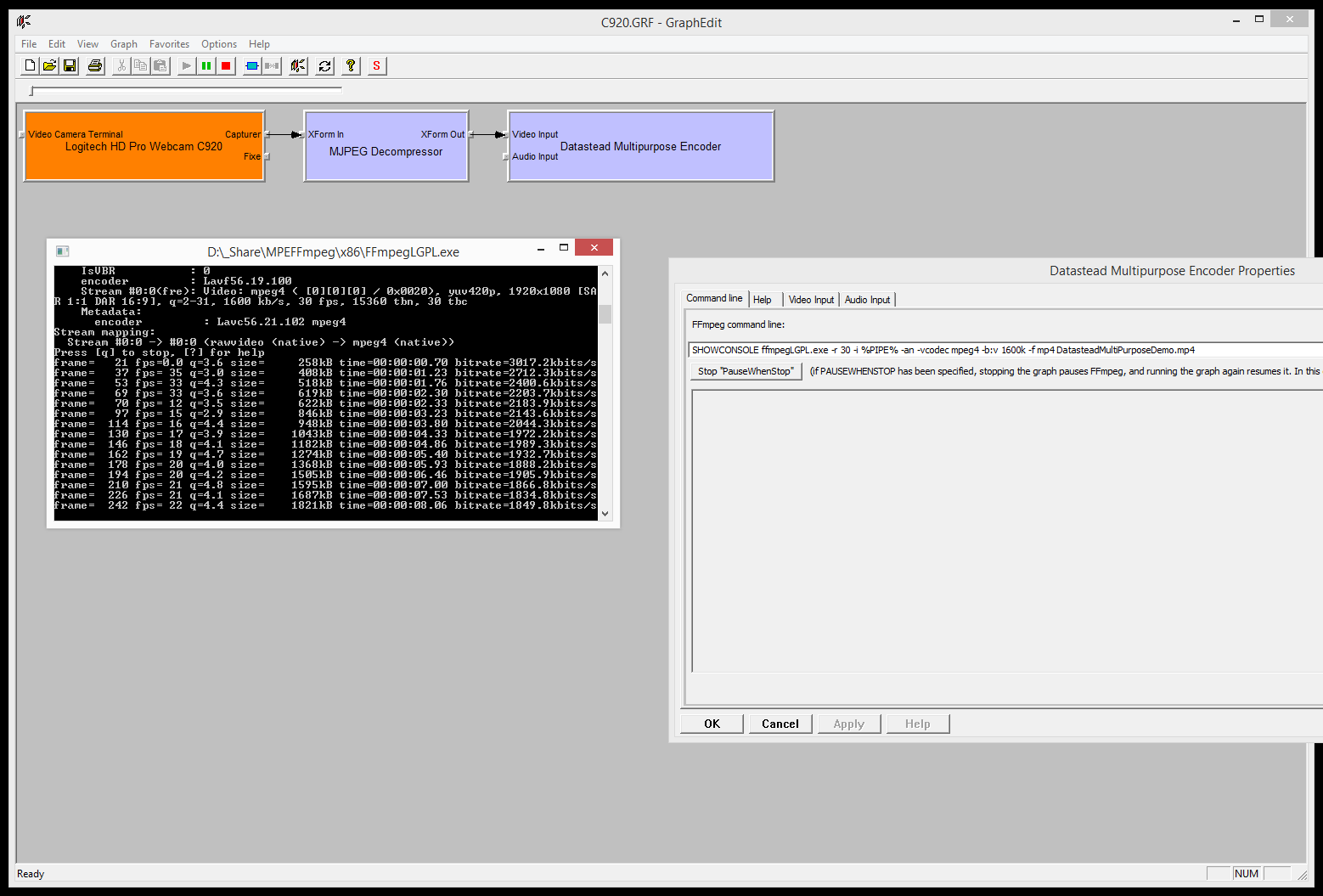
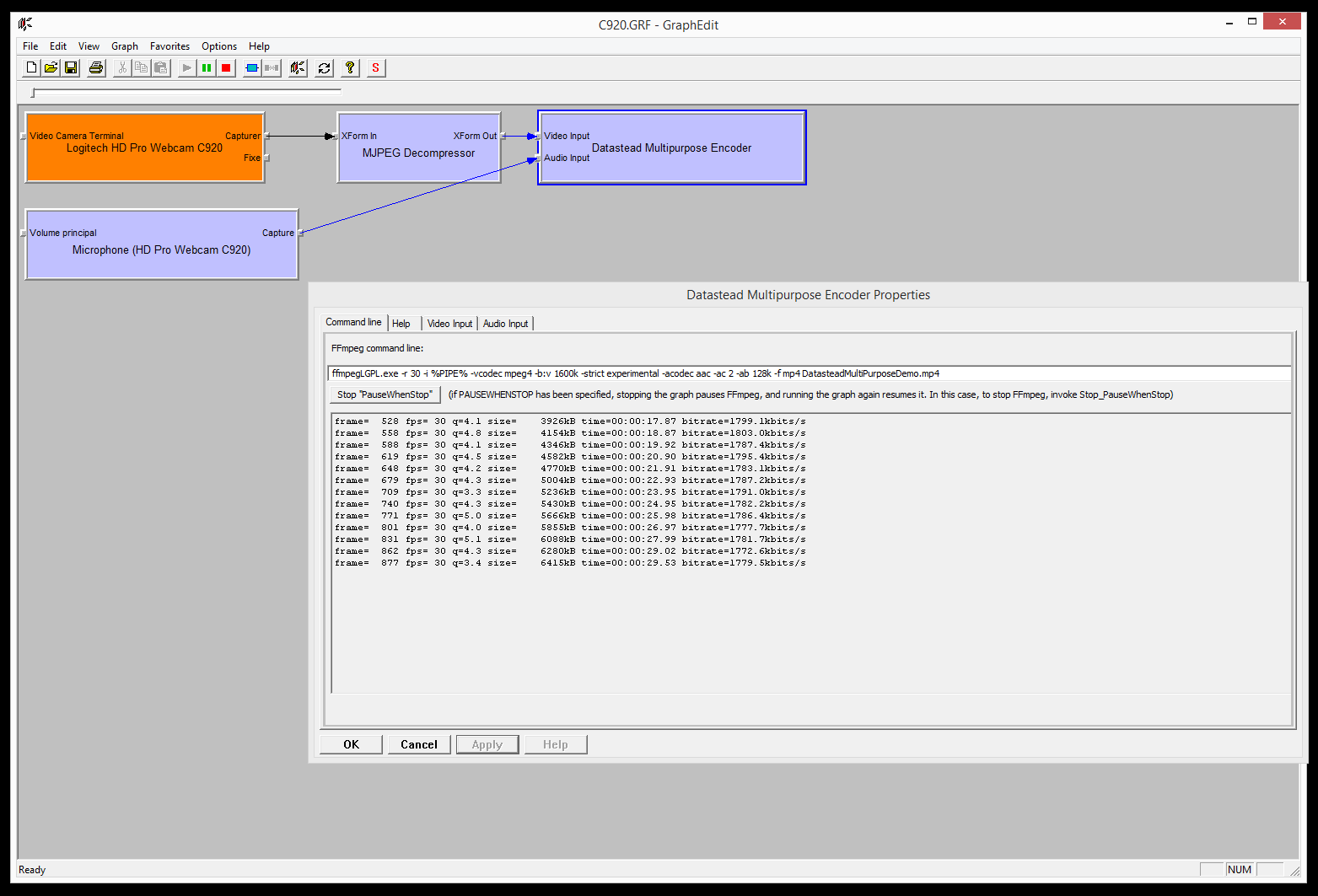
Screenshots
GraphEdit:
GraphEdit with the debug console: